By David Thompson · Published February 24, 2025 · Updated September 18, 2026 · 6 min read
Quick Answer: A fax cover sheet is a short routing slip. A fax cover letter adds a message explaining why you're sending the fax. Most people need a cover sheet — use a cover letter when you need to persuade, explain, or introduce yourself. Generate one free at mFax.to.
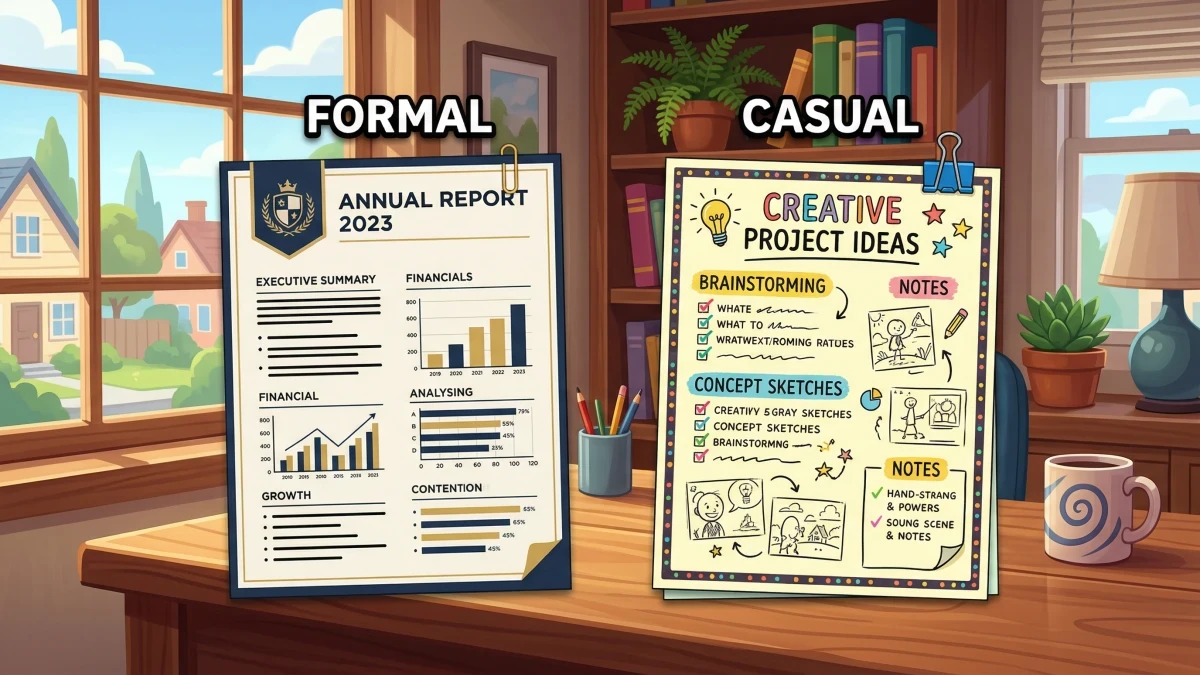
People use "fax cover letter" and "fax cover sheet" interchangeably, but they serve different purposes. Choosing the wrong one can make your fax look unprofessional — or leave the recipient confused about what you need.
This guide breaks down the real differences, tells you exactly when to use each, and gives you a free template you can copy right now.
What Is a Fax Cover Sheet?
A fax cover sheet is a one-page routing slip placed on top of your fax. It tells the recipient who sent the fax, who should receive it, and how many pages to expect. Think of it as the mailing label on an envelope.
A typical cover sheet includes:
- To: recipient name, company, fax number
- From: sender name, company, fax and phone numbers
- Date and total page count (including the cover sheet)
- A subject line (optional but recommended)
- A confidentiality notice (required for healthcare and legal)
That's it. No extended message, no persuasion, no context beyond the basics.
Need one right now? Browse our free fax cover sheet templates or generate one with our cover sheet generator.
What Is a Fax Cover Letter?
A fax cover letter is a cover sheet plus a written message. It includes all the same routing fields — sender, recipient, date, page count — but adds a body section where you explain the purpose of the fax, provide context, or make a specific request.
Think of it as a business letter that also happens to route your fax.
A fax cover letter typically adds:
- A greeting (e.g., "Dear Ms. Rodriguez,")
- A message body explaining what the attached documents are and what action you need
- A closing with your name and title
- A confidentiality notice if the documents are sensitive
The extra detail helps when you're contacting someone for the first time, sending complex documents, or need the recipient to take a specific action.
Cover Sheet vs. Cover Letter: Side-by-Side
| Feature | Cover Sheet | Cover Letter |
|---|---|---|
| Routing info (to, from, pages) | Yes | Yes |
| Subject line | Usually | Yes |
| Message body | No | Yes |
| Greeting and closing | No | Yes |
| Confidentiality notice | Optional | Common |
| Tone | Neutral, functional | Professional, contextual |
| Length | Half a page | Full page |
| Best for | Routine faxes to known contacts | First-time contacts, formal requests |
The Simple Rule
If the recipient already knows why they're getting the fax, use a cover sheet. If they need context — who you are, what you need, or why it matters — use a cover letter.
When to Use a Cover Sheet
A plain cover sheet is the right choice for most everyday faxes:
- Sending documents to a known contact — your accountant, a colleague, a vendor you work with regularly
- Routine submissions — insurance claims, signed contracts, purchase orders
- Internal faxes within your company
- Faxing to the IRS — the IRS just needs the form number, tax year, and your contact info (see our IRS fax cover sheet template)
- HIPAA-covered faxes — healthcare faxes need a medical fax cover sheet with a privacy notice, but not a full letter
For these, a clean professional cover sheet does the job perfectly.
When to Use a Cover Letter
Switch to a fax cover letter when the fax needs to do more than just arrive:
- First contact — introducing yourself or your company to someone who isn't expecting your fax
- Job applications — faxing a resume and want to explain why you're a good fit
- Legal matters — sending court documents, contracts, or filings where you need to reference case numbers and deadlines (pair with a legal fax cover sheet disclaimer)
- Complex document packages — multiple forms that need explanation (e.g., "Pages 2–4 are the signed agreement; page 5 is the notarized amendment")
- Requests that need action — asking someone to sign, review, approve, or return something by a deadline
- Escalations or follow-ups — referencing a previous conversation, ticket number, or agreement
Don't Overdo It
A cover letter on a routine 2-page fax to someone you talk to daily looks like overkill. Save it for faxes that need context.
What to Include in a Fax Cover Letter
A strong fax cover letter has two parts: the routing header (same as a cover sheet) and the letter body.
Routing Header
| Field | Example |
|---|---|
| To | Maria Rodriguez, Accounts Payable |
| Company | Apex Financial Group |
| Fax | (555) 234-5678 |
| From | James Park, Controller |
| Company | Greenfield Manufacturing |
| Phone | (555) 876-5432 |
| Date | March 16, 2026 |
| Pages | 4 (including cover) |
| Subject | Q1 Invoice Reconciliation — Action Required |
Letter Body
Write 2–4 short paragraphs:
- Opening — state the purpose in one sentence ("Please find attached the three invoices we discussed during our March 12 call.")
- Details — explain what the attached documents are and any context the recipient needs
- Action requested — be specific about what you need and by when ("Please sign page 3 and fax it back by March 20.")
- Closing — your name, title, and the best way to reach you
If the fax contains sensitive information, add a confidentiality notice below the closing.
Fax Cover Letter Template
Copy this template and fill in your details:
FAX COVER LETTER
──────────────────────────────────────────────────
TO:       [Recipient Name]
COMPANY:  [Recipient Company]
FAX:      [Recipient Fax Number]
PHONE:    [Recipient Phone]

FROM:     [Your Name]
COMPANY:  [Your Company]
FAX:      [Your Fax Number]
PHONE:    [Your Phone]

DATE:     [Date]
PAGES:    [Total Pages] (including this cover letter)
SUBJECT:  [Brief Subject Line]
──────────────────────────────────────────────────

Dear [Recipient Name],

[Opening — state the purpose of the fax in one sentence.]

[Details — describe the attached documents and provide
any context the recipient needs to act on them.]

[Action — specify what you need the recipient to do
and by when.]

Thank you for your time. Please contact me at [phone]
or [email] if you have any questions.

Sincerely,
[Your Name]
[Your Title]

──────────────────────────────────────────────────
CONFIDENTIALITY NOTICE: This fax and any attachments
are intended solely for the named recipient. If you
received this in error, please notify the sender
immediately and destroy all copies.
Want a formatted, print-ready version? Use our free fax cover sheet generator — it creates a clean PDF in seconds, no signup required.
When You Don't Need Either
Some situations don't require a cover page at all:
- Online fax services like mFax let you add a subject line and message directly in the send form — the service generates a cover page automatically
- Single-page faxes to a dedicated fax number (e.g., a department that only receives one type of form) sometimes skip the cover
- Follow-up pages in a multi-part fax that already has a cover on the first batch
That said, skipping the cover sheet is risky when faxing to a shared machine. Anyone walking past could see your documents. A cover sheet acts as a privacy shield — especially important for HIPAA-covered faxes and legal documents.
Quick Decision Checklist
Not sure which to use? Run through this:
- Does the recipient know me? → Yes: cover sheet. No: cover letter.
- Are the documents self-explanatory? → Yes: cover sheet. No: cover letter.
- Do I need the recipient to take action? → Yes: cover letter. No: cover sheet.
- Is this a formal or first-time communication? → Formal/first-time: cover letter. Routine: cover sheet.
- Does it contain sensitive info? → Add a confidentiality notice to either one.
If you answered "cover sheet" to most questions, grab one from our template library. If you need a cover letter, copy the template above and customize it.
Send Your Fax
Once your cover letter or cover sheet is ready, the fastest way to send it is with mFax. Upload your document, attach your cover page, enter the fax number, and send — all from your phone or browser. No fax machine needed.
For business teams, mFax Business adds virtual fax numbers, team accounts, and HIPAA-ready compliance starting at about $9/mo (billed annually) — and instead of fixed tiers, you build your own plan, choosing the exact seats and page volume you need and paying only for what you use.